






MT4 Trading Platform
Unlock a new level of trading potential with ExePrime’s MT4 platform – your gateway to a faster, more versatile, and powerful trading experience
A powerful multi-asset platform
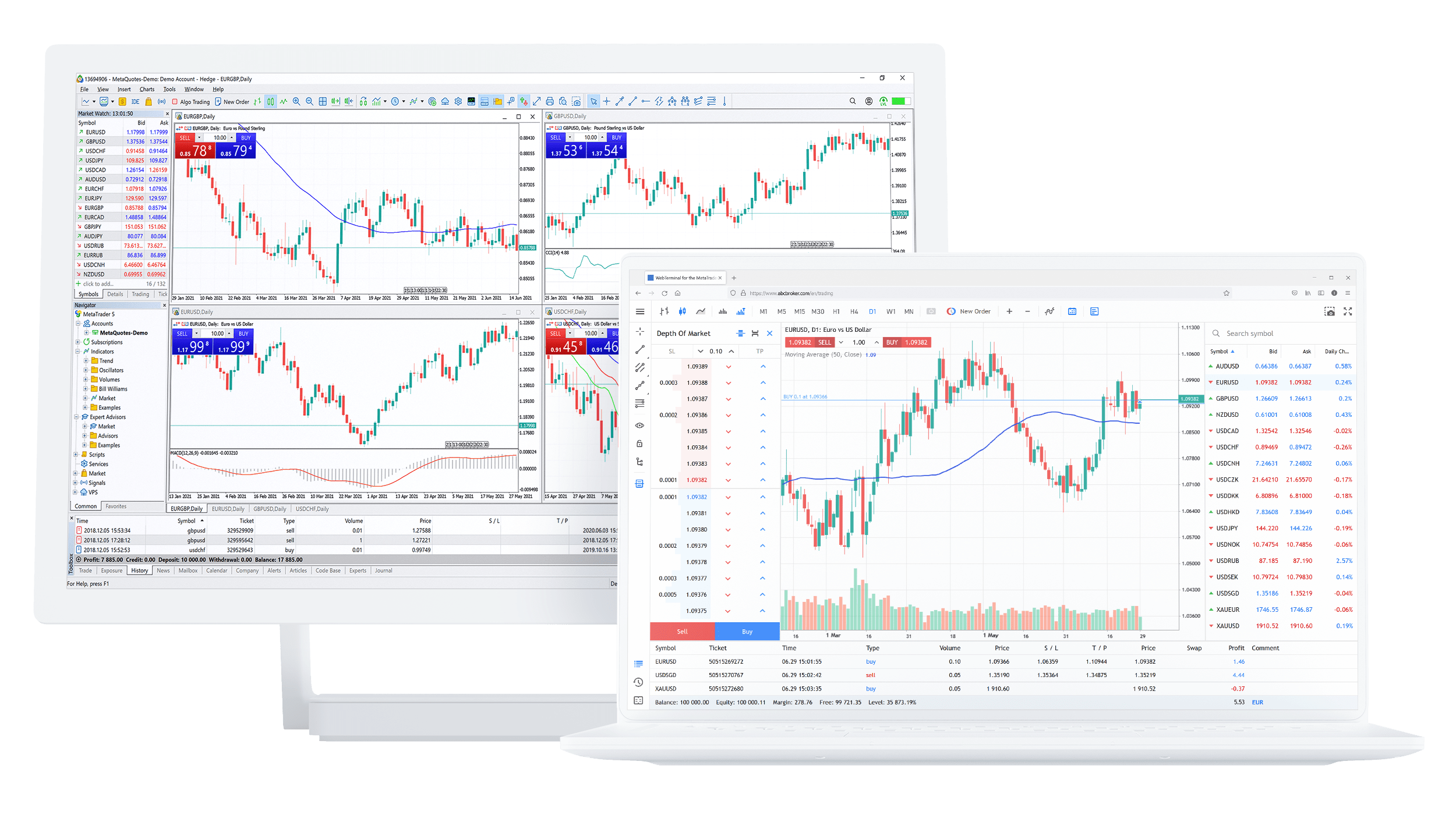
MetaTrader 4 (MT4), launched in 2005 by MetaQuotes Software, is a leading trading platform widely recognized for its user-friendly interface and powerful features. Designed for forex and CFD trading, MT4 offers advanced charting tools, automated trading through Expert Advisors (EAs), and comprehensive market analysis capabilities, making it a popular choice for traders worldwide.

Usage of MetaTrader 4
MetaTrader 4 is designed to enhance your trading experience, offering a powerful and intuitive platform trusted by traders worldwide. Known for its reliability and efficiency, MT4 provides advanced charting capabilities, automated trading options, and a wide range of analytical tools to help you refine your strategies.
Whether you’re new to trading or a seasoned professional, MT4 is easy to use and packed with features that simplify trade execution, improve market analysis, and empower you to make informed decisions with confidence.

Advanced Charting and Analytical Tools
MT4 offers robust charting tools with multiple timeframes, customizable charts, and over 50 built-in technical indicators. Traders can also add custom indicators to analyze market trends and make informed decisions

Automated Trading with Expert Advisors (EAs)
MT4 supports automated trading through Expert Advisors, which are customizable scripts or algorithms allowing users to execute trades based on predefined rules, reducing manual intervention.

User-Friendly Interface
The platform is known for its intuitive and customizable interface, catering to both novice and experienced traders. It includes features like one-click trading, easy order management, and a clear overview of account balances and trade history.

Mobile Trading Compatibility
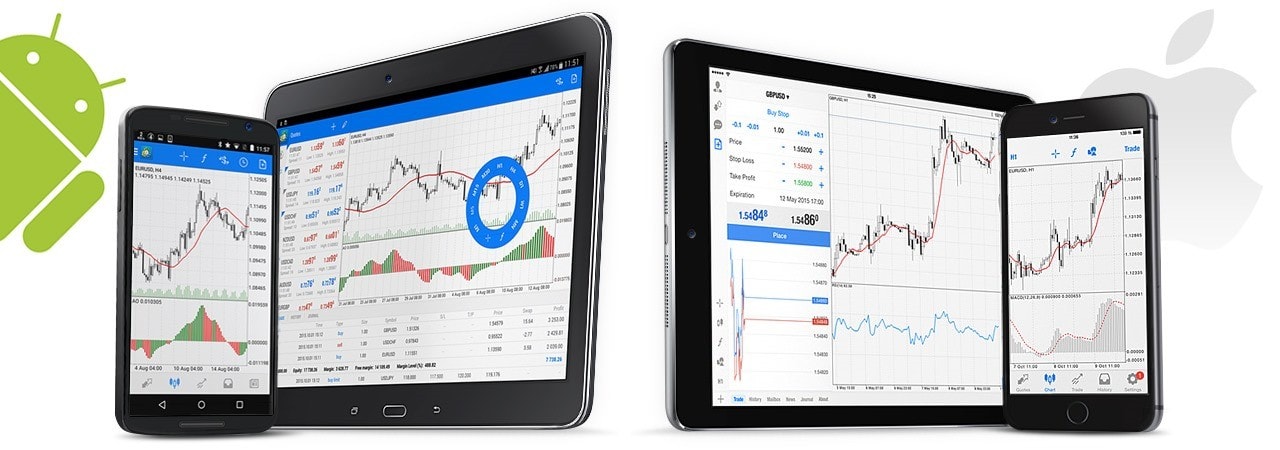
MT4 provides fully functional mobile apps for iOS and Android, enabling traders to monitor markets, execute trades, and manage accounts on the go with real-time updates and full platform functionality.
Key Features Of
MetaTrader 4 (MT4)

A powerful multi-asset platform
Download MT4 trading platform on Desktop and mobile or access it through the web trader. MT4 provides traders with the ability to trade from anywhere, at any time.


Windows OS


Android OS

ios OS

Live Web Terminal

Frequently asked questions
Here are some of the more frequently asked questions by traders.
You can download the MT4 platform from your ExePrime Client area. Once downloaded, follow these steps:
- Open the installer and follow the on-screen instructions.
- Launch the application and enter your account credentials from your welcome email.
- Start trading with real-time market data and analysis tools.
To add custom indicators:
- Open MT4 and go to File → Open Data Folder.
- Navigate to MQL4 → Indicators and paste your downloaded indicator file (.ex4 or .mq4).
- Restart MT4 and go to Insert → Indicators → Custom to find and apply the new indicator.
To enable one-click trading:
- Open a chart and right-click on it.
- Select One Click Trading to display the quick order panel.
- Alternatively, go to Tools → Options → Trade and enable One Click Trading.
This allows you to execute trades instantly with a single click.
If you see an "Invalid Account" error:
- Double-check your account number, password, and server name (found in your welcome email).
- Ensure you are using the correct account type (Live or Demo).
- Restart MT4 and try logging in again.
- If the issue persists, contact our support team.